Drop it in. Your AI files it.
New files wait in your Inbox. Your AI names and sorts them the next time it connects.
Inbox4
- Moodboard.png
- Q4 brief.pdf
- Client logo.svg
- Launch reel.mp4
Your AI is sorting
Brand0
Campaigns0
Clients0

Now in early access
Your files, brand, memory and skills in one place, ready for Claude, Codex and Cursor in every session.
Works inside the AI you already use
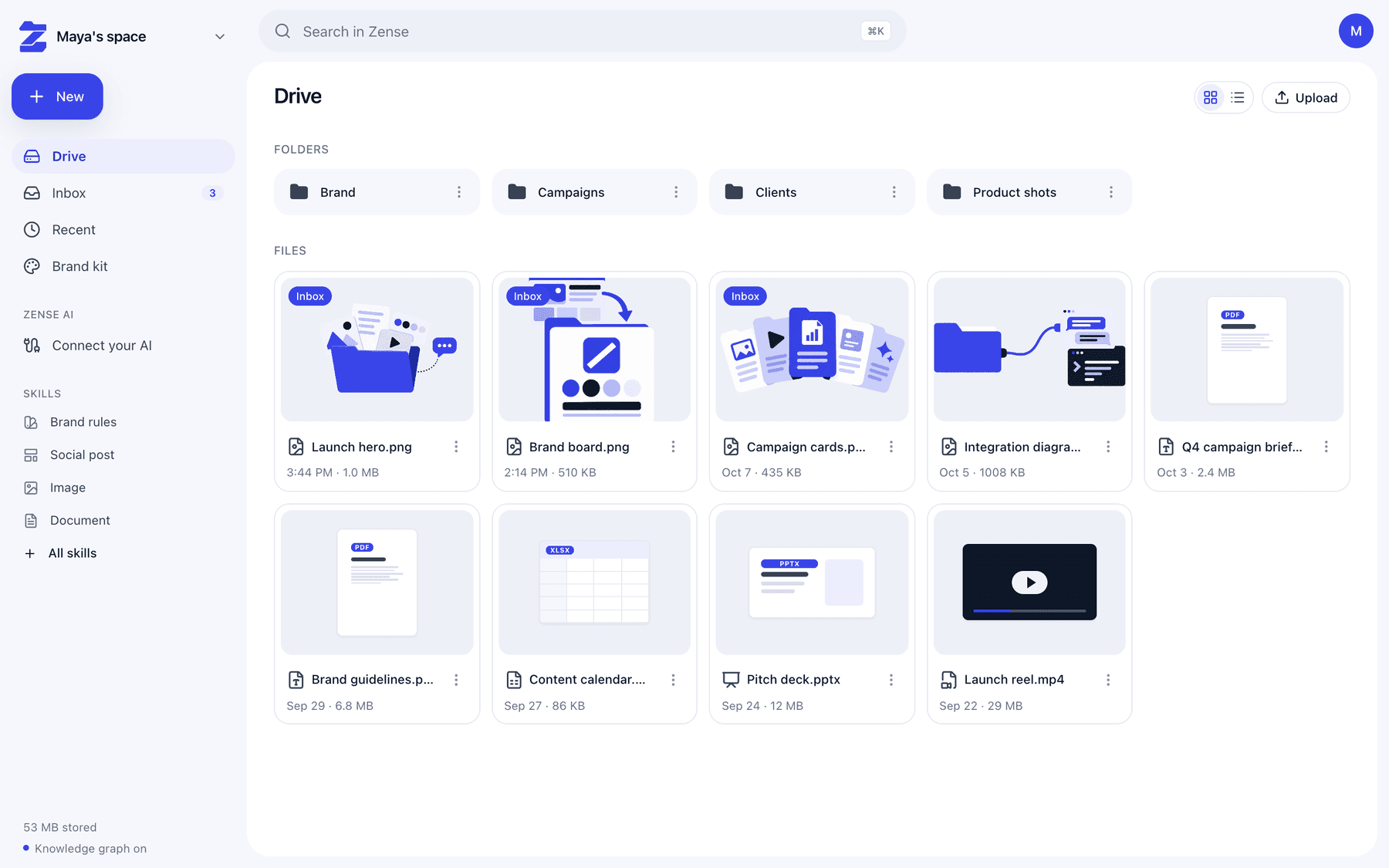
The workspace
Files, brand kit and skills live together, and your AI reads them through one secure connection.
Why Zense
Most AI starts every session knowing nothing about you. Zense gives it your files, your brand and the right way to work, so everything it makes feels like yours.
What you get
New files wait in your Inbox. Your AI names and sorts them the next time it connects.
Add your website. Logo, colors and fonts become your brand kit.
Posts, carousels, reels, images and documents, done the right way.
One command connects Claude Code, Codex or Cursor to everything in Zense.
How it works
Tell us who you are and add your website. Your brand kit is ready in seconds.
Drag in anything. It's stored safely and kept in order for you.
Paste one command into Claude Code, Codex or Cursor. Your AI now knows your work.
Security
Your files belong to you. Zense keeps every workspace apart and lets you decide which AI gets in.

Set up your space in under a minute. Free to start.
Get started free